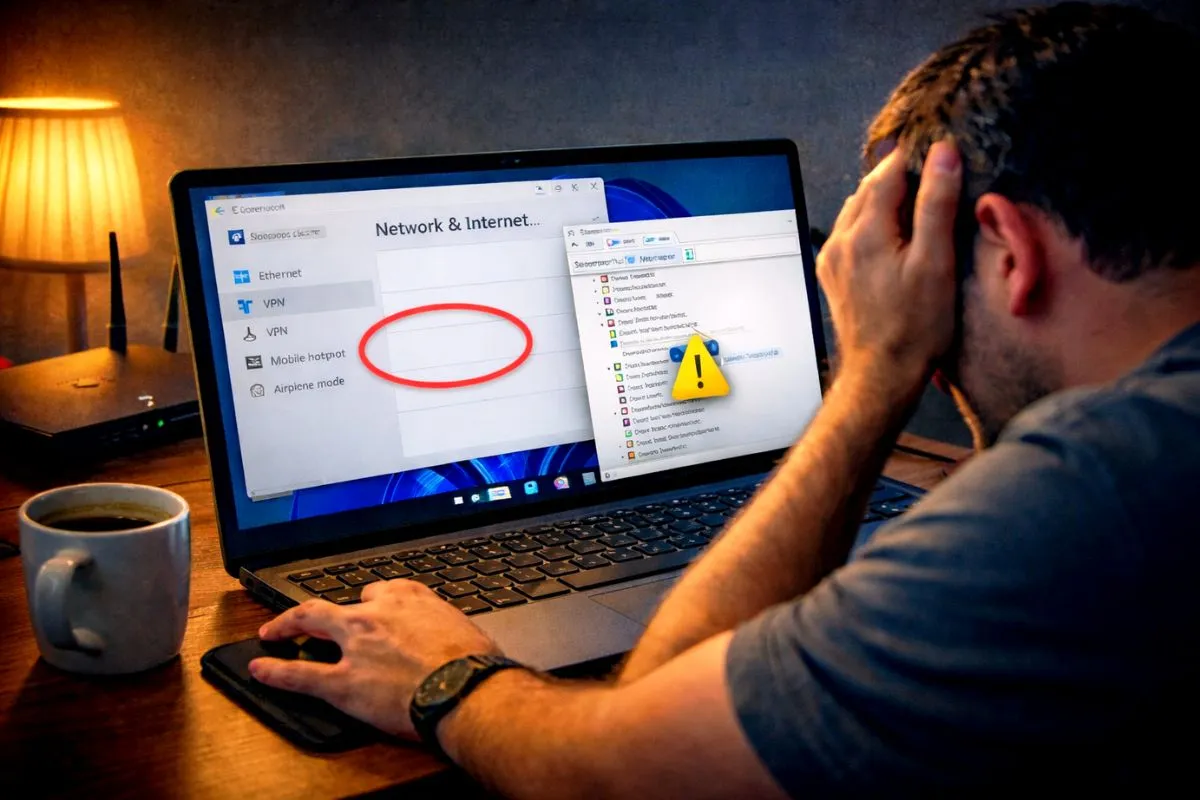
The power comes back on and your router lights start blinking. You connect your phone but nothing loads. You see the wifi connected but no internet message right under your network name. This is extremely frustrating but you do not need to call customer care and wait on hold just yet.
When the electricity fluctuates, your router often gets confused or fails to reconnect with the provider server. Here are five simple ways to fix this yourself in just a few minutes.
1 The Real Router Restart
Most people just flip the router switch off and on instantly. That does not actually reset the device because small internal batteries hold power for a few extra seconds. It just makes the lights blink.
Here is the correct way to do it. Turn off the wall power switch and physically unplug the adapter. Count to 30 to let all the stored power drain out completely. Plug it back in and turn it on. Wait two full minutes for all the lights to stabilize. This proper restart fixes the issue most of the time.
2 Check the Red LOS Light
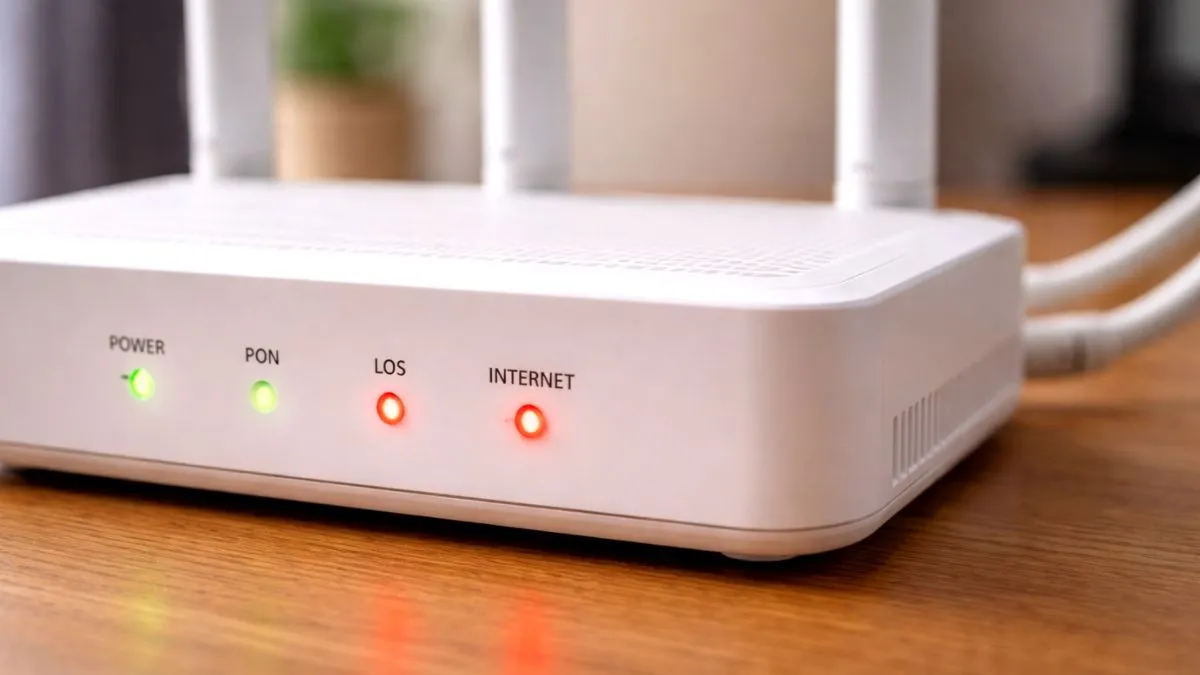
Look closely at the small lights on your router and ignore the WiFi light for a moment. Find the light labeled Internet, WAN, or LOS which stands for Loss of Signal.
If this light is solid green, your internet should be working. If this light is blinking red, your router is not getting any signal from the outside pole. This usually means the fiber cable outside your house is broken or bent. Restarting will not help here. You need to call your local provider and tell them your router shows a red LOS light. They will send a technician.
3 Forget and Reconnect Your WiFi
Sometimes your router is working perfectly fine but your phone gets confused. It holds onto an old expired connection session from before the power cut. You need to force a fresh connection.
Go to your phone Settings and open the WiFi menu. Tap on your WiFi name and select Forget Network. Now tap your WiFi name again, type your password, and connect. This forces your phone and router to shake hands and create a fresh connection.
4 Fix Your Phone Date and Time
This sounds weird but it is a very common reason for internet problems. Internet security certificates require your device to have the exact correct time to load web pages.
If your phone battery died and the date reset to a random past year, your internet will show as connected but will not load anything. Go to your phone Settings, find Date and Time, and turn on the Automatic Date and Time option. Fixing the time will instantly bring your internet back.
5 Check for Area Outages
Sometimes the internet is simply down in your entire area after a heavy storm or power cut. Turn off your WiFi and use your mobile data for a minute.
Open your broadband provider app like MyJio or Airtel Thanks. Check if your monthly plan is still active. Then look for any red banners at the top of the app saying there is an outage in your area. If the main server is down in your city, you just have to put your phone down and wait for them to fix the mainline.