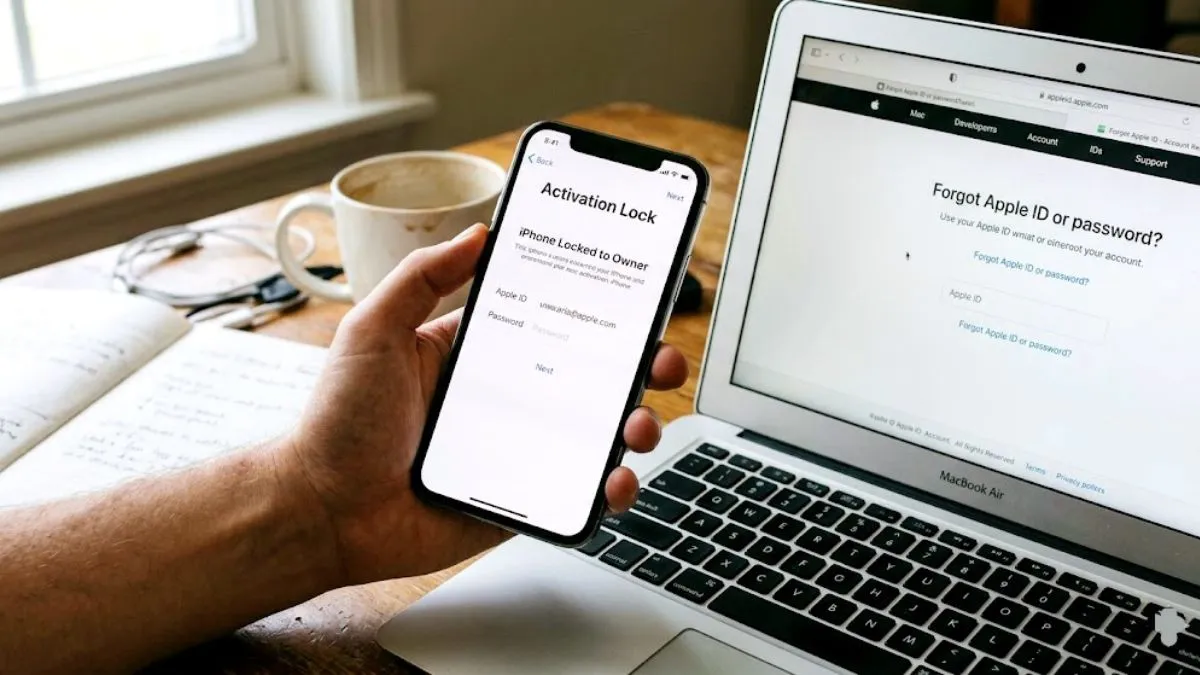
You just bought a pre owned Apple device or reset your old one and now you are staring at a frustrating message. Dealing with an iphone locked to owner screen makes your expensive phone feel like a high tech brick. Many users confuse a simple passcode lock with a permanent iCloud activation lock and end up paying hundreds of dollars in unnecessary repair fees.
Today we are clearing up the confusion. There is a massive technical difference between a local passcode lock and a cloud based activation lock. I will show you the exact official criteria Apple uses to grant access and the real steps to regain control of your device without falling for internet scams.
The Truth About One Click Bypass Tools
Before we fix the problem you need to know what not to do. Most third party tools claiming to bypass an iCloud lock for free instantly are completely fake. The reality of modern device security is that there is no magical software that can override Apple server side encryption with a single click.
When you see a screen demanding an Apple ID and password you are dealing with a strict security protocol on a remote server. Most software promising instant results are actually Trojan horses designed to harvest your personal data or install malicious profiles. You must avoid these temporary DNS bypass methods entirely.
Fix 1 Ask the Previous Owner to Remove It
If you purchased a used phone and find it locked your safest path forward is coordinating with the previous owner. They can release the hardware from their digital inventory remotely. They do not need to share their private password with you or even be in the same room.
- Ask the seller to visit the official iCloud website on any web browser.
- Tell them to sign in with the exact Apple ID currently linked to your phone.
- Once logged in they must navigate to the Find Devices section.
- They need to select your specific iPhone from their list of registered hardware.
- Have them select the option to erase the device first to wipe their personal data.
- Finally they must click Remove from Account.
Once they do this your phone is completely free and you can set it up with your own Apple ID.
Fix 2 Submit an Official Apple Support Request
If you bought the device brand new or you have the original paperwork from an authorized retailer you can ask Apple to remove the lock for you.
You will need to submit a formal activation lock support request directly through the official Apple website. You must provide a clear photo of your original purchase receipt. This document must clearly show the device serial number and the date of sale to prove you are the rightful owner. Apple will review your request and unlock the device remotely.
Fix 3 Recover Your Own Account Credentials
If this is actually your own phone and you just forgot your login details you can recover your account.
You need to visit the official Apple iForgot portal on another computer or phone. You can verify your identity using your trusted phone number or recovery email address. Once you reset your Apple ID credentials you can simply type the new password into your locked iPhone to gain full access.
Fix 4 Using the Unloxy Removal Service
If you cannot contact the previous owner and do not have the original receipt there are premium services designed to remove iCloud locks from Apple hardware. One trustworthy platform mentioned by tech experts is Unloxy. It functions seamlessly regardless of which country you are in.
- Press the power button to turn your locked phone screen off and tap it back on.
- Select the small eye icon located in the bottom right corner of the screen.
- Write down the IMEI or serial number that appears on the screen.
- Head over to the Unloxy website to create an account and open their unlock application.
- Select your specific device type and enter the exact IMEI number you just noted.
- Click the button to submit your request.
This specific service requires digital coins to process the unlock. The entire procedure typically takes anywhere from a few hours to two days depending on the specific status of your device. When your dashboard status updates to complete you just hit the back button on your phone and the lock will be gone.
The Bottom Line
A legitimate iCloud bypass always requires verified ownership or account recovery through Apple secure servers. By sticking to official recovery channels or coordinating with the previous owner you ensure your device remains completely secure. Stop wasting time on fake one click bypass software and use these verified methods to get your phone fully functional again.