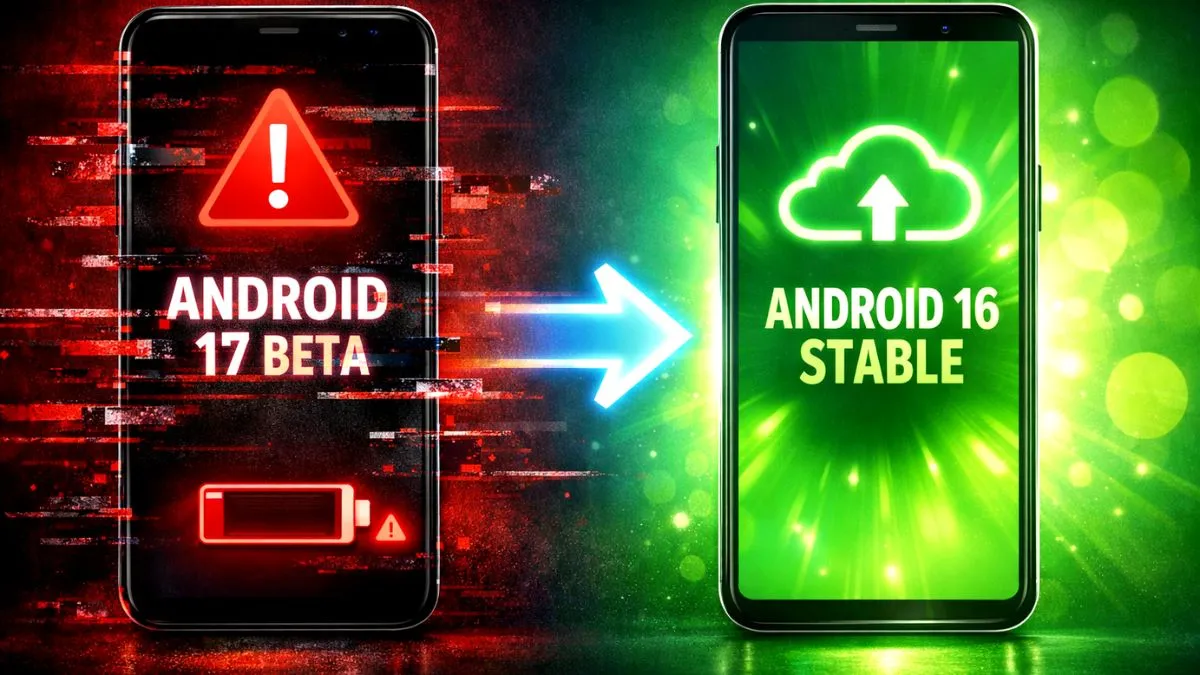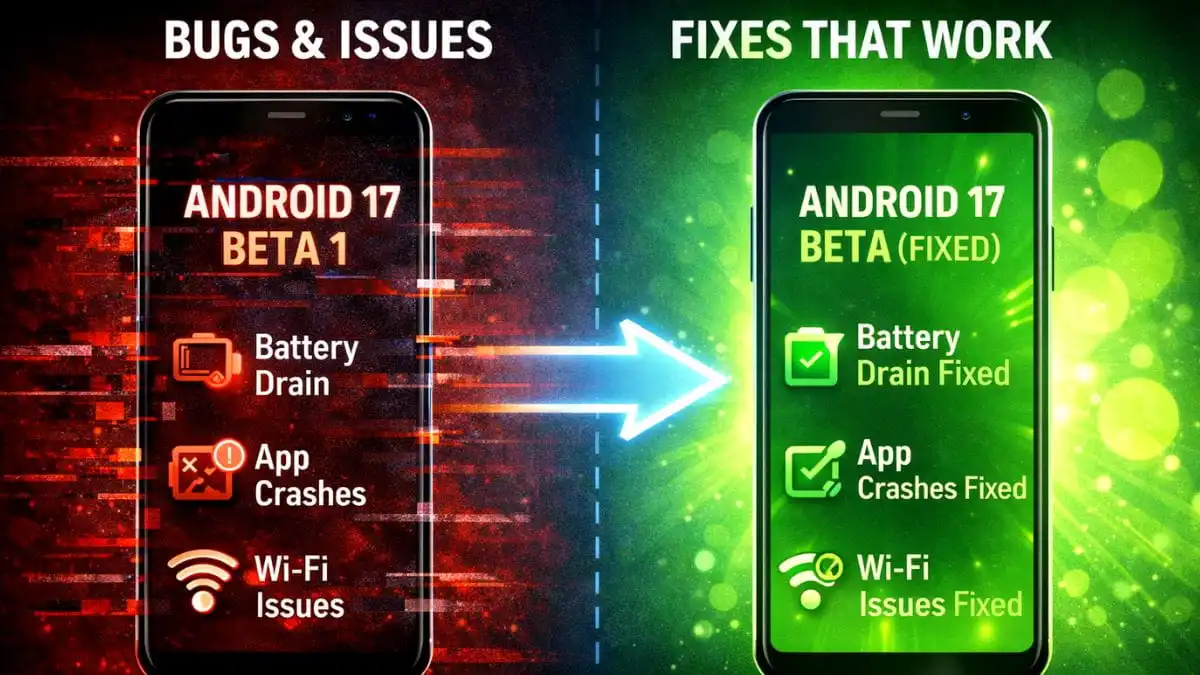
You installed the new update to test the latest features. But now your phone is struggling. The battery dies quickly, apps close on their own, and the phone feels hot. You might think your phone is broken. Do not worry. The new android 17 beta 1 bugs are causing these problems, and you are not alone.
Google knows about these issues. I have found the best working solutions to fix your phone right now. Let us solve these problems step by step.
1. Battery Draining Fast
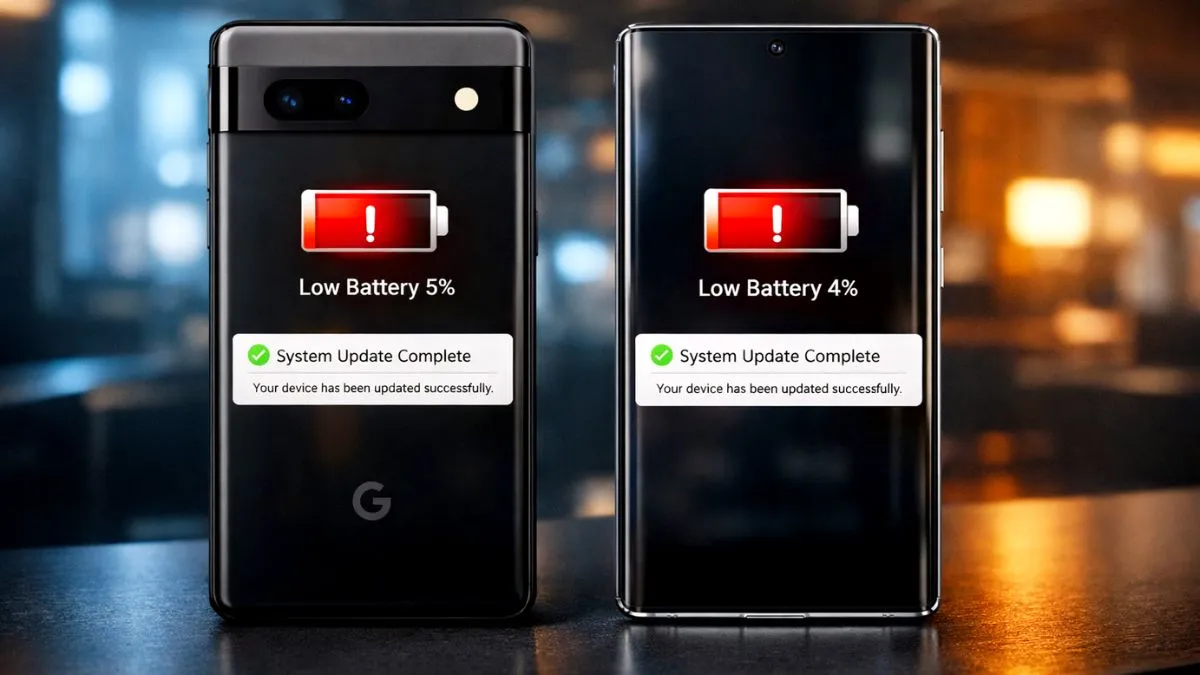
Your phone battery drops 30 percent while just sitting in your pocket. This happens because background apps are working overtime in the new system.
Here is how to fix the drain.
- Go to Settings and open Apps.
- Tap on See all apps.
- Find heavy apps like Google Play Services, Chrome, or your email app.
- Tap on the app, select Battery, and choose the Restricted option.
- Next, turn off your Location from the main settings menu. Location tracking is a big battery killer in this beta version.
2. Apps Keep Crashing
You open Instagram or Gmail, and it closes instantly. This is a permission error in the system. The software forgets it gave the app permission to open.
Here is the best fix.
- Go to Settings and open Apps.
- Find the app that keeps crashing.
- Tap Storage and cache, then tap Clear Storage.
- Go back one step and tap Permissions. Remove all the permissions you see.
- Open the app again. It will ask for permissions like a new app. Allow them, and it will run smoothly.
3. WiFi Keeps Disconnecting
Your internet drops every few minutes. The beta system has a memory bug that forgets your WiFi password.
Try this quick reset.
- Go to Settings and open Network and internet.
- Tap on Internet and find your connected WiFi.
- Tap the gear icon next to it and select Forget.
- Wait a few seconds, tap your WiFi name again, and enter your password. This gives the system a fresh connection.
4. Phone is Overheating
Your phone feels hot even when you are just scrolling through messages. The graphics system is working too hard right now.
To cool it down fast, turn your phone completely off for ten minutes. Do not just restart it. Let it rest.
When you turn it back on, go to Settings and turn on Battery Saver. Keep this turned on all day. It stops heavy background tasks and keeps your phone cool. Avoid playing heavy games until the next update.
5. Keyboard Lag and Typing Delay
You type a message, but the letters show up a second later. The built in keyboard is very slow in this update.
The easiest solution is to download a different keyboard. Go to the Play Store and install Google Keyboard or Microsoft SwiftKey. Go to your system settings and set the new app as your main keyboard.
If you want to keep your old keyboard, go to its settings and turn off autocorrect. Your typing will become fast again.
Conclusion
Beta updates are always full of errors. Google released a small patch update in late January 2026 to fix many of these problems. Go to your system settings and check for a software update right now. If your phone is still too hard to use for daily work, you can easily downgrade back to the stable Android 16 version.