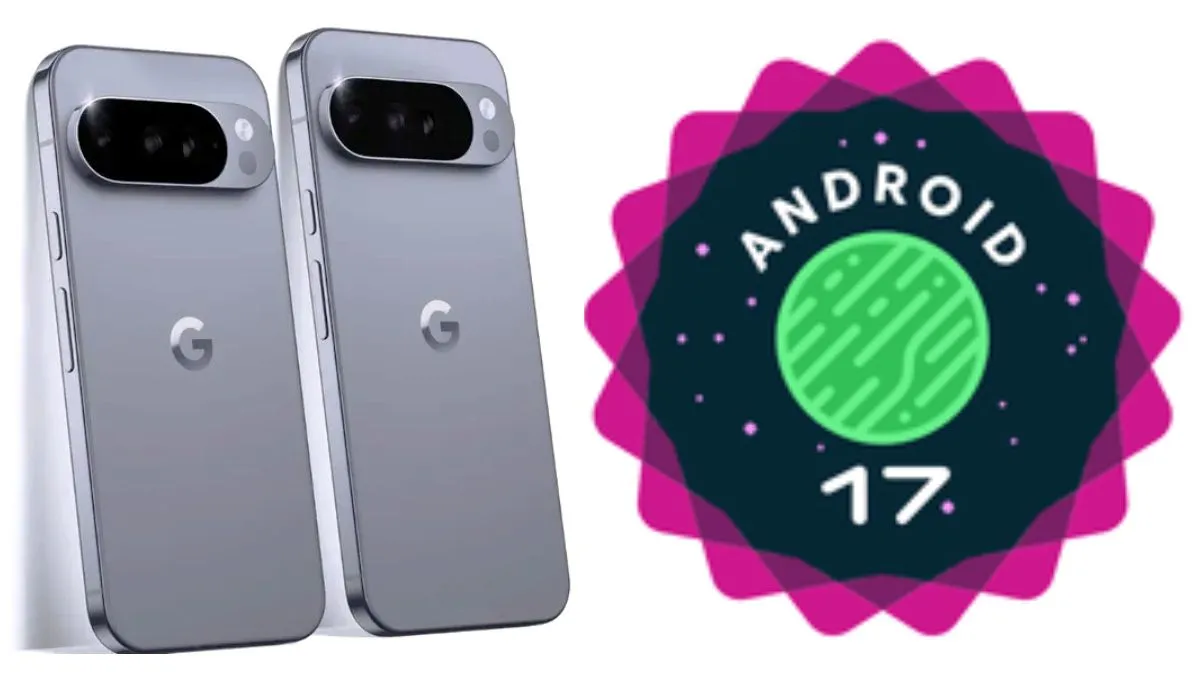
Google moves fast. Even though we just got used to Android 16, Android 17 Beta 1 is officially rolling out right now. This year brings a massive shift for Pixel users and Android fans because there is no Developer Preview phase.
We have dug through the update to see what is actually new, the updated timeline, and most importantly, whether you should risk installing this on your main phone. Let us break it down simply.
The Big Change R.I.P. Developer Preview
Usually, Google releases a Developer Preview first, which is very buggy, and then a Beta later. That system is gone. The old Developer Preview is now basically the Canary Channel.
This means Google is trying to develop faster. Once they test things internally, they push it to Canary. Right now, the Canary build is still based on Android 16 code, but it will shift to Android 17 soon.
If you want the absolute bleeding edge features, you go to Canary. If you want something slightly more stable, you stick to the Beta channel which was released today.
New Features in Android 17 Beta 1
What can your phone actually do now? Here is what we found inside the update.
1. Finally Disable At a Glance
This is the feature everyone has been asking for. For years, the At a Glance widget showing the date and weather at the top of the Pixel home screen was stuck there. You could not move it or remove it.
In Android 17 Beta 1, you can finally turn it off on the main home screen to make room for other widgets. It stays on the Lock Screen. There is also a new High Contrast option that puts the widget in a clear box, making it easier to read on busy wallpapers.
2. The Bubbly Brightness Slider
When you pull down your Quick Settings, the brightness slider icon is different. It used to be a sun outline, but now it looks like a flower or a bubbly sun. It fits the new Material 3 Expressive design language. It looks a bit cartoonish, but it is a distinct visual change.
3. Gemini Animation Upgrade
If you use the corner swipe gesture to wake up the Gemini AI assistant, there is a new animation. The whole screen shrinks slightly with black borders to show you that the assistant is listening. It makes the system feel much smoother.
4. Volume Panel Changes
When you press the volume button, the floating panel now has a generic Settings icon instead of the old three dots. It does the same thing, but the icon is clearer now. The panel also sits slightly lower on the screen, making it easier to reach with your thumb.
5. Charging Diagnostics
There is a new section in Device Health and Support for Charging Diagnostics. The idea is that your phone will tell you if your charger or cable is faulty. In this Beta 1, it seems broken. When trying to download the update for this feature, it fails. Expect this to work in Beta 2.
6. Settings Menu Makeover
Google is trying to make the Settings menu cleaner. Sections like Display and Touch have compact layouts to fit more info on the screen. Many of the small illustrations inside settings now have transparent backgrounds instead of white boxes. It looks much more modern.
Android 17 Release Timeline
Google has a rough plan for the final version.
- Now: Android 17 Beta 1
- March 2026: Platform Stability when apps start working properly
- June 2026: Expected Final Release
- Late 2026: QPR Updates for quarterly feature drops
Expect the full and stable Android 17 to hit your phone around June or July.
Supported Phones for Android 17 Beta 1
The support list is quite generous this year.
- Pixel 6 and newer models
- Pixel Fold original
- Pixel Tablet
Warning for Current Beta Testers
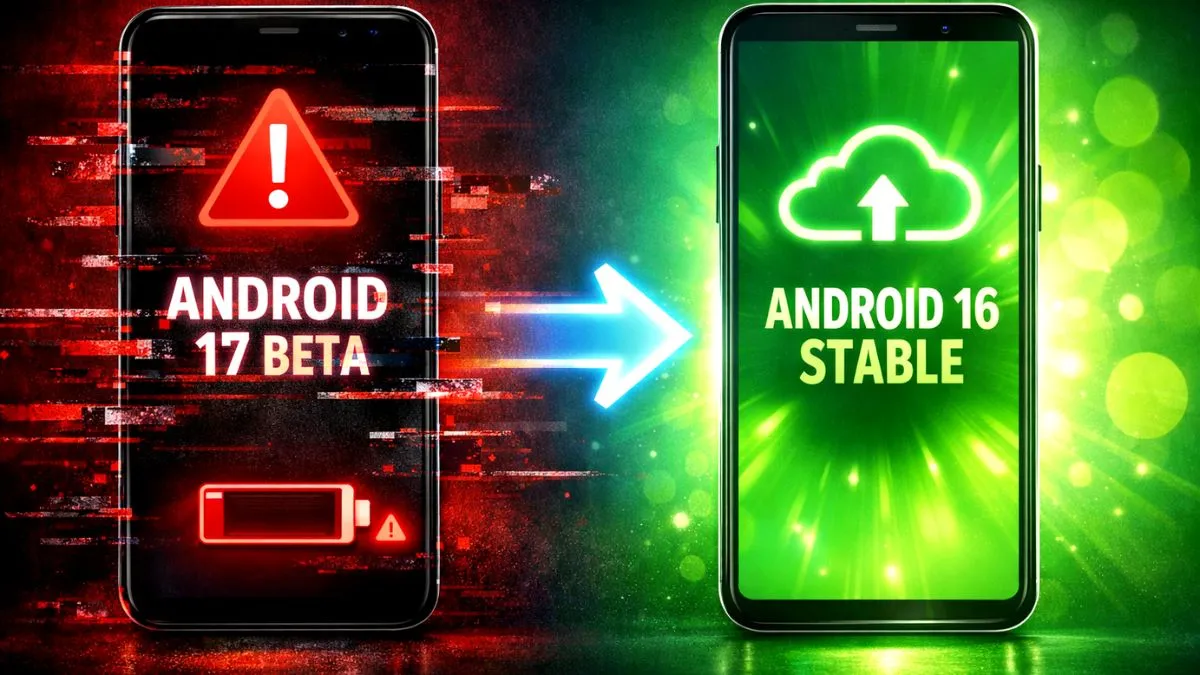
If you are currently on the Android 16 QPR3 Beta, you will automatically get updated to Android 17 Beta 1. If you update, you cannot go back without wiping your data until June 2026. If you do not want Android 17 yet, go to the Android Beta website and Opt Out now. Ignore the update notification on your phone.
Should You Install It?
No, please do not install this on your main phone.
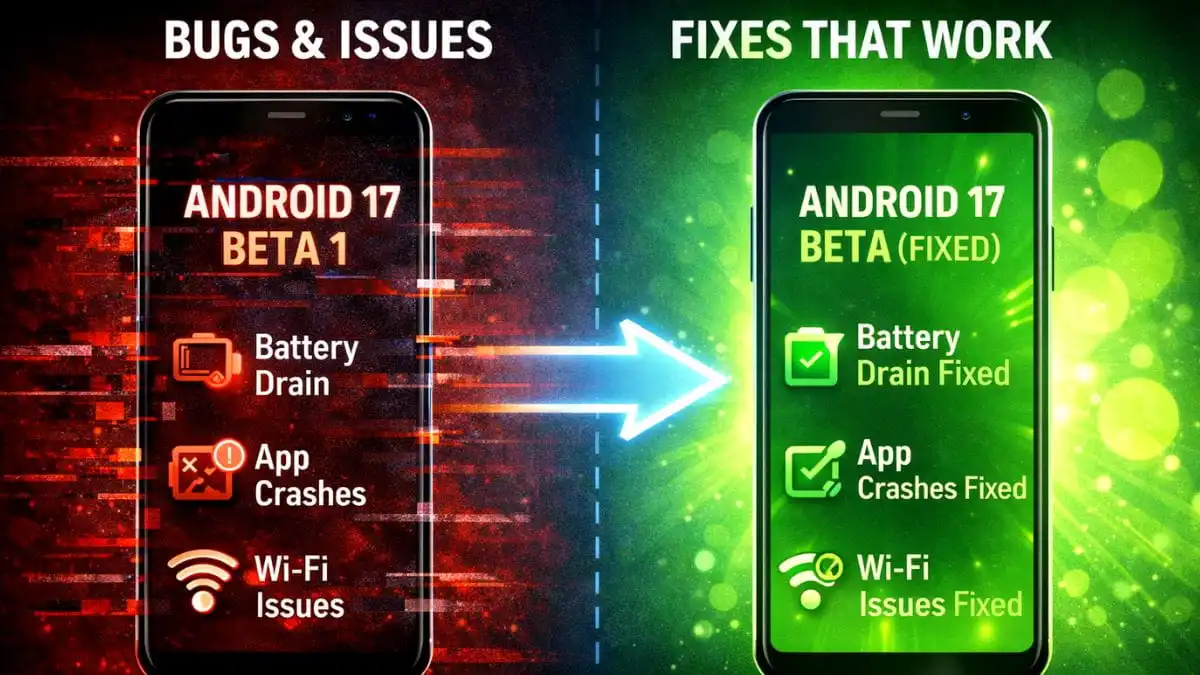
The Disable At a Glance feature is tempting, but this is Beta 1. Some features like the Charging Diagnostics are crashing. Notification summaries are missing on some units.
This update is for developers and hardcore enthusiasts who have a spare Pixel lying around. If you need your phone for work, banking, or maps, stick to the stable version. Wait for Platform Stability in March when it is usually safe enough for daily use.