You are walking and trying to reply to a text at the same time. You type a messy sentence because you are in a massive hurry. But right before you hit send, your phone quietly offers a perfectly clean version. One tap and the message looks professional. This is exactly how ai in iphones is changing everyday tasks without you even realizing it.
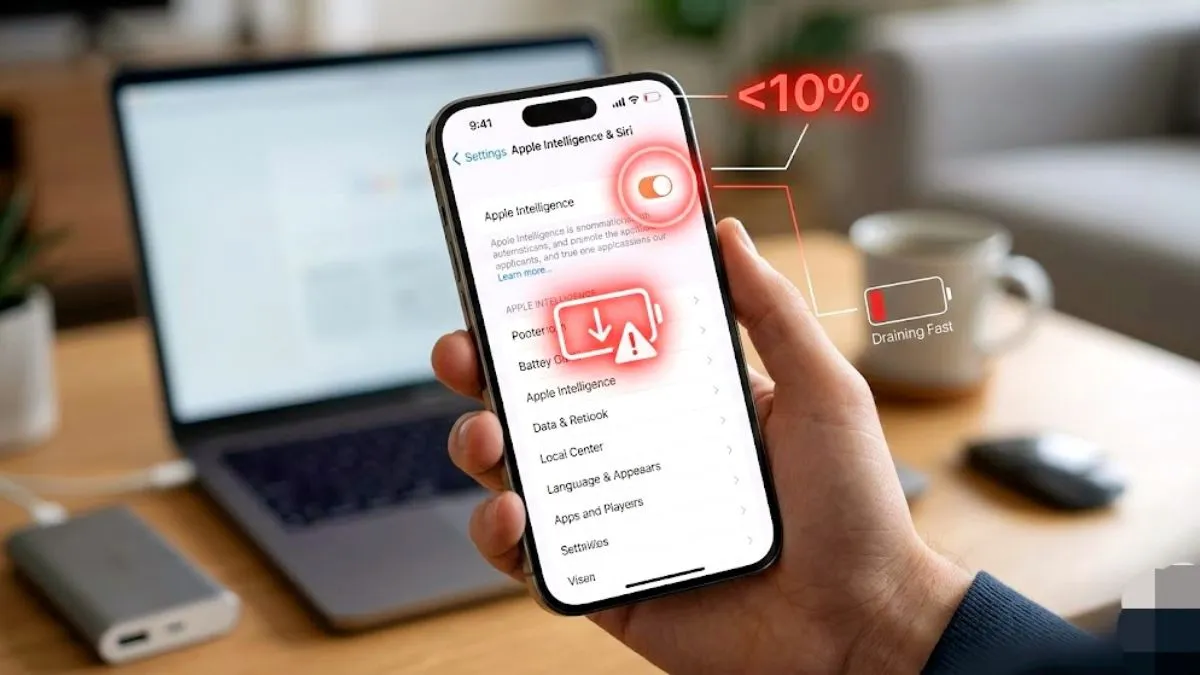
When people hear the word AI, they usually think of sci-fi robots or chatbots. But on the iPhone, it is much more subtle. Apple Intelligence uses on device machine learning to understand your text, photos, and personal habits. Instead of waiting for you to react, the phone predicts what you need and handles the boring stuff for you.
Writing Messages Gets Much Easier
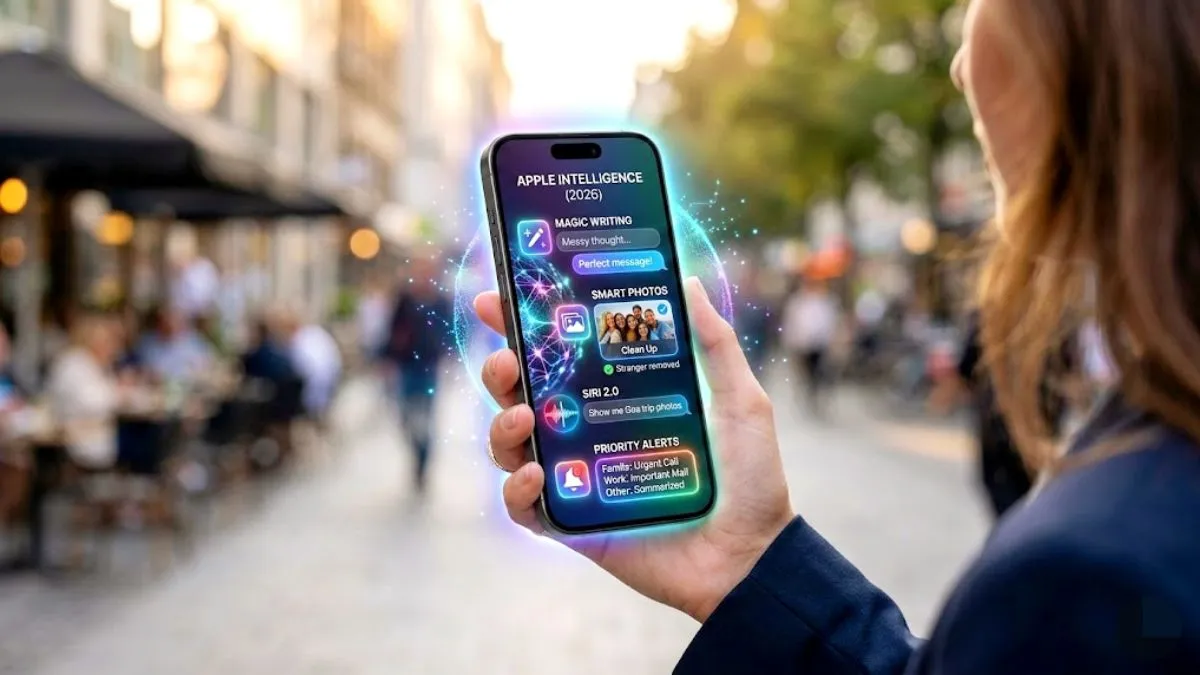
Writing is one of the most significant changes. If you type something fast and sloppy, the new AI tools can rewrite your email or notes instantly. You can ask the phone to make your text shorter, more professional, or more friendly. It is like having a quick proofreader check your text before you send it to your boss.
Photos Are Getting Smarter
Another place where AI is quietly working is the Photos app. Let us say you took a great group photo but someone walked in the background. The AI can now help remove those small distractions with a single tap.
It also helps you search your massive gallery using simple natural words. You can just type dog at the beach wearing a hat and your iPhone will actually find that exact picture instantly.
Siri Understands Real Context
Siri has always been around but it is finally getting genuinely useful. Instead of memorizing exact robotic commands, you can speak naturally. You can say something like show me the photos I took in Delhi last summer and then follow up with make that third one my wallpaper. Siri now understands the context of what is on your screen and what you did yesterday.
Notifications Are Less Annoying
Phones constantly bombard us with alerts. The new Apple Intelligence features actively try to sort them for you. Important notifications like a text from your family or a calendar invite appear at the very top. Less important alerts stay quiet and are summarized for you to read later. This makes using your phone feel much calmer.
Is the AI Actually Safe
A lot of people worry about their privacy when using artificial intelligence. Apple processes most of these AI tasks directly on your device processor and not on a random server. That means your personal emails and photos stay completely on your phone. This privacy first design keeps your data safe from hackers.
Supported iPhone Models
Not every iPhone supports these new features. These AI tools require massive processing power and extra memory. They only work on newer devices like the iPhone 15 Pro, the iPhone 16 lineup, and newer upcoming models. If you have an older standard iPhone, you will only see very limited smart features.
The Bottom Line
You often hear big dramatic promises when people talk about artificial intelligence. But the real change on your iPhone is incredibly quiet. You send an email faster. You find an old photo instantly. You ask Siri a complex question and it actually gets it right. These small daily moments are where this new technology genuinely saves you time.