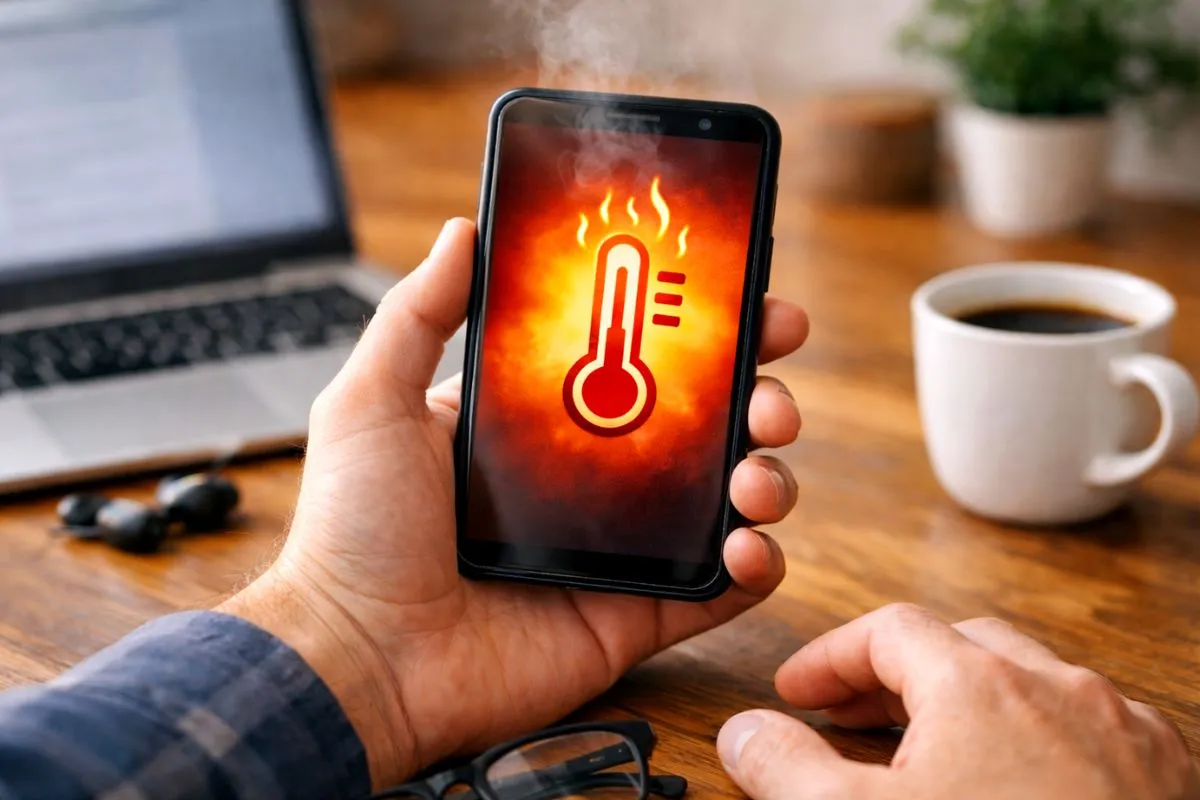
Dealing with an android phone overheating even when idle problem can be terrifying. You pull your phone out of your pocket or pick it up from your desk and the back glass feels incredibly hot. You have not even touched it for hours. You might panic and think the battery is expanding or about to explode.
Do not worry because your phone hardware is likely fine. This is a very common software bug where the processor gets stuck doing heavy background work. Here is exactly how to cool it down and fix it right now.
Fix 1 Close Rogue Background Apps
Sometimes a single app gets stuck trying to sync data to the cloud. It keeps running in the background and pushes your processor to the absolute limit.
- Open your phone Settings.
- Tap on Battery.
- Look at the battery usage chart.
- If one specific app is using a massive amount of battery while you are not using the phone, force close it immediately.
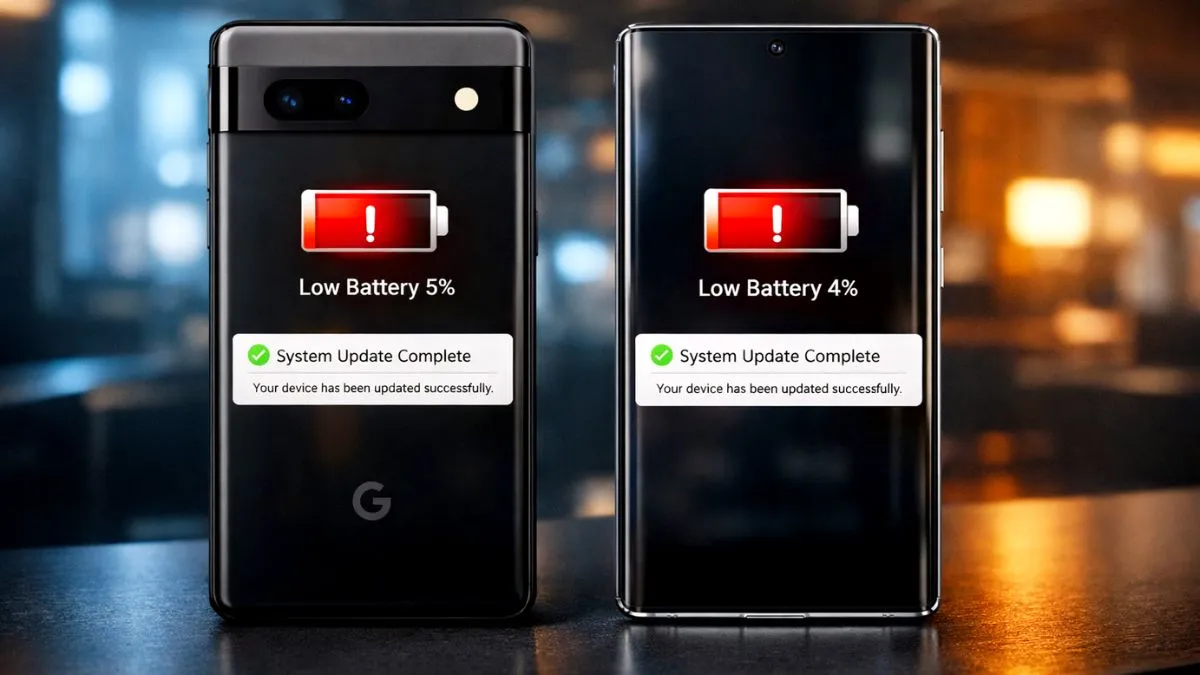
Fix 2 Check for a System Update
Software bugs happen a lot. Overheating issues often appear after a major system update and disappear after the next small patch. These small updates usually include hidden thermal management fixes from the manufacturer.
- Go to your phone Settings.
- Scroll down and tap on System or Software Update.
- Tap Download and Install.
- Let the phone download the patch and restart.
Fix 3 Reset Your Network Settings
A poor cellular signal can make your phone work overtime trying to reconnect. If you live or work in an area with a weak signal, your phone will constantly search for cell towers in the background. This generates a massive amount of heat.
- Go to Settings.
- Tap on System.
- Tap on Reset Options.
- Select Reset WiFi Mobile and Bluetooth.
- Confirm the reset.
This forces the phone to build fresh connections and often stops the idle heating overnight.
Fix 4 Disable Unused Connections
Leaving your mobile hotspot or GPS location turned on all day will keep your phone processor awake. Turn off your hotspot, Bluetooth, and location services when you are not actively using them. This simple habit stops background heat instantly.
What You Should Stop Doing
Do not download phone cooling apps from the Play Store. These apps do absolutely nothing except close background apps which Android already does naturally.
You should also avoid RAM cleaners or speed booster apps. Ironically these apps run their own heavy background services and will actually make the overheating much worse. Stick to the basic system settings mentioned above.
A Note for Managed Phones
If you are using a company phone or a school device, some battery and app settings might be locked by your administrator. You might not be able to restrict background apps yourself. You will need to contact your IT support desk to help resolve the background limits.
The Bottom Line
If your phone feels warm while sitting on a desk, you are not alone. Technology can act weird sometimes but the fix is usually much simpler than it looks. Finding the stuck background app or resetting your network connections will usually bring the phone back to a normal temperature within a few minutes. No more warm pockets and no more battery panic.