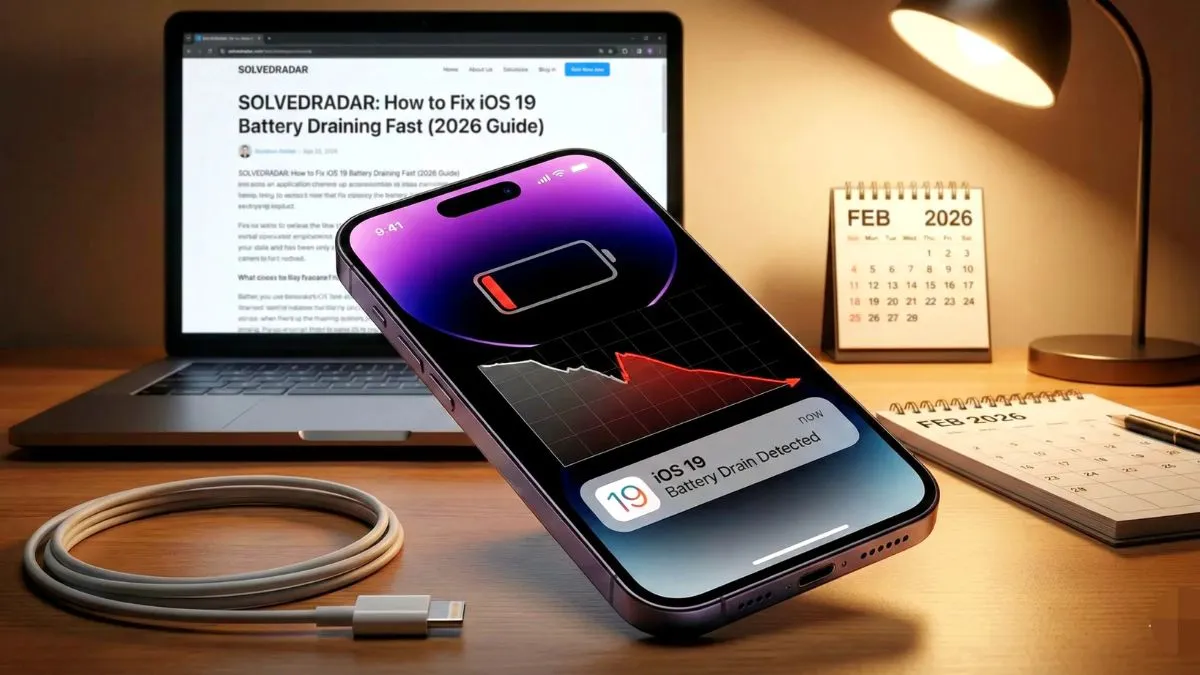
You unplug your fully charged phone in the morning, and just a few hours later, your screen goes black. If you are dealing with an iphone battery draining like crazy problem while doing basic things like texting or scrolling, you are probably panicking. You might even think your hardware is completely dead and you need to spend money on a replacement.
Do not rush to the Apple store just yet. If your battery went from totally fine to dead in six hours literally overnight, it is not natural hardware degradation. It is almost always a software glitch or a rogue setting running in the background. Here is exactly how to find the culprit and fix your battery drain right now.
Why Your Battery is Dying So Fast
People always assume a fast draining battery means the physical lithium ion cell is old. While batteries do degrade over time, that process takes years. Sudden and extreme battery drain is a completely different issue.
Usually, it is something simple that your phone is doing in the background. An app might be constantly using your WiFi, your location services might be working overtime, or an iOS update is stuck processing data. Here are the exact steps to stop the drain.
Fix 1 Find the Rogue App
This is the most common reason for sudden battery drain. You might have opened a heavy app, like a screen recorder or a game, and it never properly closed. It just sits in the background silently eating your battery.
- Go to your iPhone Settings.
- Scroll down and tap on Battery.
- Wait a few seconds for the Battery Usage list to load.
- Look at the apps listed by battery usage.
If you see one random app taking up sixty or seventy percent of your battery, you found your problem. Swipe up from the bottom of your screen to open the app switcher and force close that specific app.
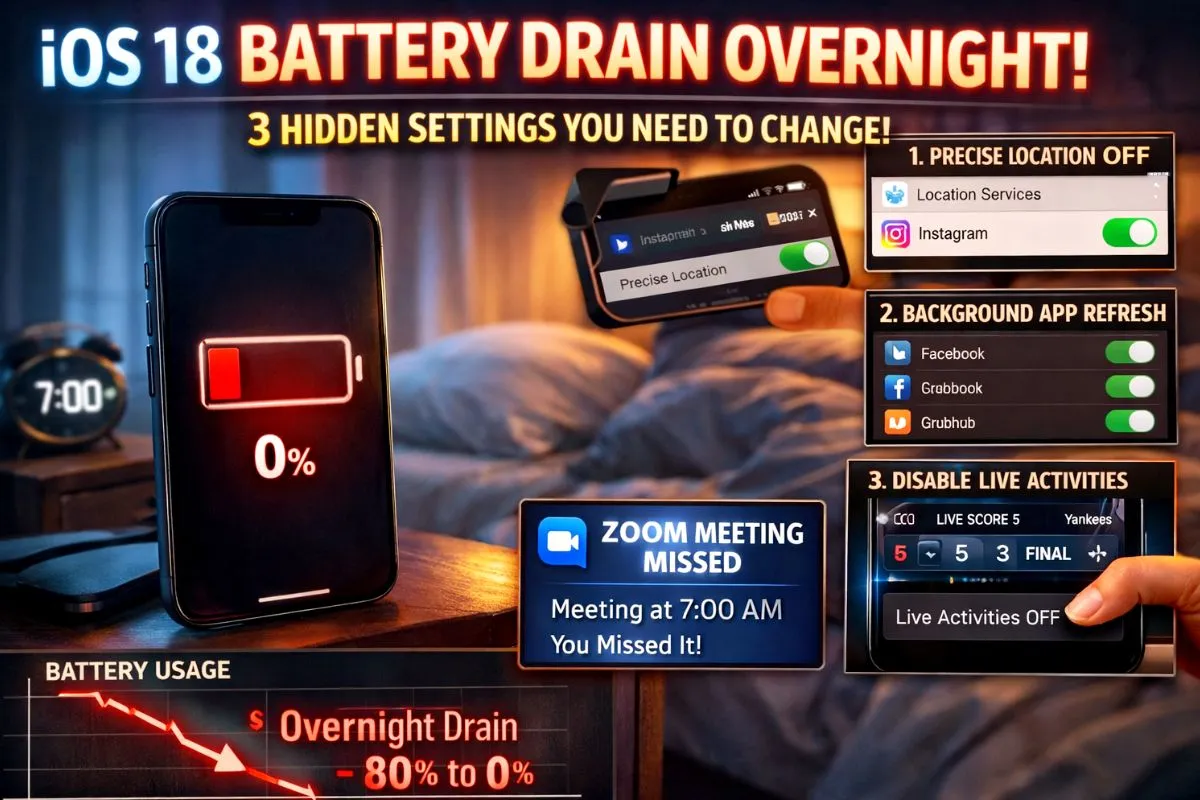
Fix 2 Restrict Location Services
Location services drain the battery more than almost anything else on your phone. Many apps ask for your location when you install them, and they constantly use your GPS in the background.
- Go to Settings and tap on Privacy and Security.
- Tap on Location Services.
- Look through the list of apps.
Does your calculator or notes app need to know your exact location? Absolutely not. Change the permission for most of your apps to Never or While Using. This alone will save you a massive amount of battery life every day.
Fix 3 Clean Up Background App Refresh
Your phone allows apps to constantly refresh their data in the background so they load faster when you open them. Having forty different apps doing this at the exact same time will completely destroy your battery.
- Go to Settings and tap on General.
- Tap on Background App Refresh.
- Turn off the toggle for apps that do not need constant updates.
Your email and messaging apps should stay on, but you can safely turn off background refresh for offline games, food delivery apps, and random photo editors.
Fix 4 Lower Your Screen Brightness
The screen is the biggest battery hog on any smartphone. If your phone is set to auto brightness, the algorithm might be keeping your screen much brighter than you actually need.
- Go to Settings and tap on Display and Brightness.
- Turn off the Auto Brightness toggle.
- Manually set your brightness slider to around forty or fifty percent.
You will get used to the slightly dimmer screen in less than a day, and your battery will last significantly longer.
Fix 5 Restart Your iPhone
If you have changed all these settings and your battery is still dropping fast, you simply need to restart your phone.
Sometimes the iOS system has weird background tasks that get stuck in an endless loop. A quick restart kills all of these temporary processes and gives your phone a fresh slate. Just power the phone completely off, wait thirty seconds, and turn it back on.
The Bottom Line
Dealing with an incredibly fast battery drain is stressful, but it rarely means your phone is actually broken. Before you spend eighty dollars on a physical battery replacement, check your battery usage menu. Finding the rogue app, turning off unnecessary location tracking, and doing a quick restart will fix the problem and get your phone lasting all day again.