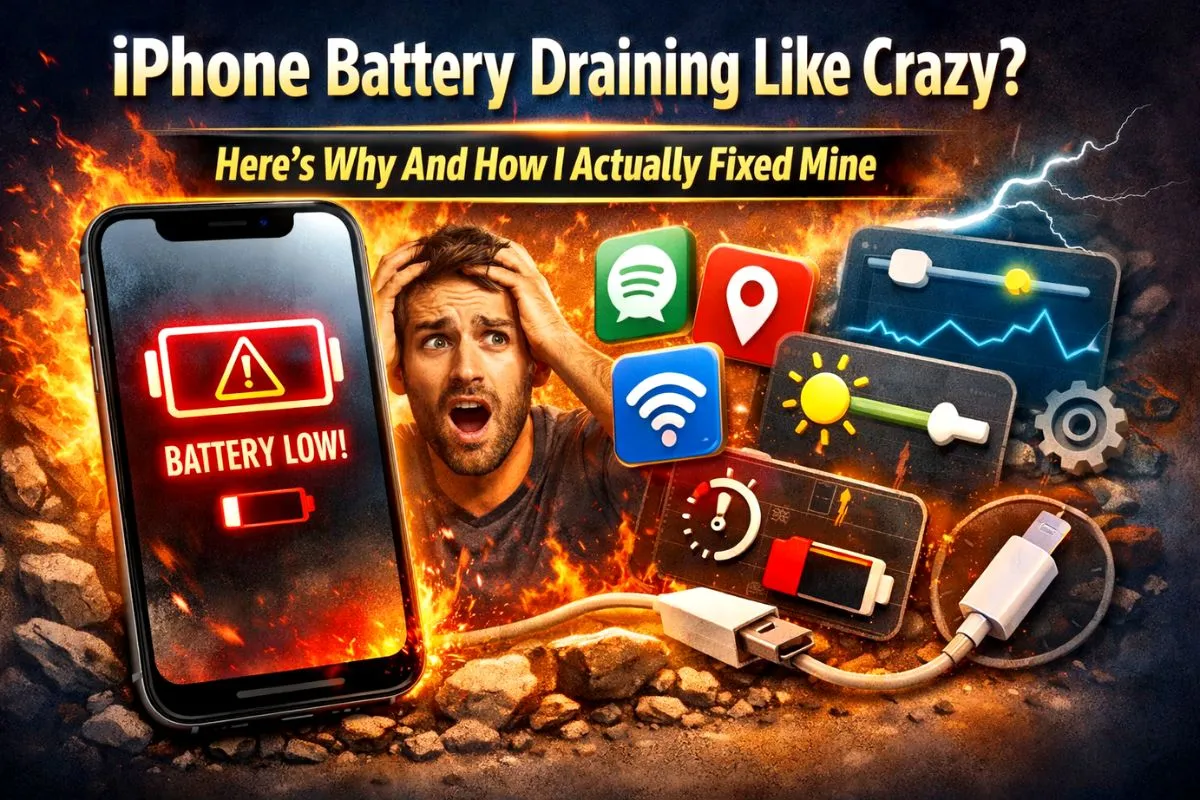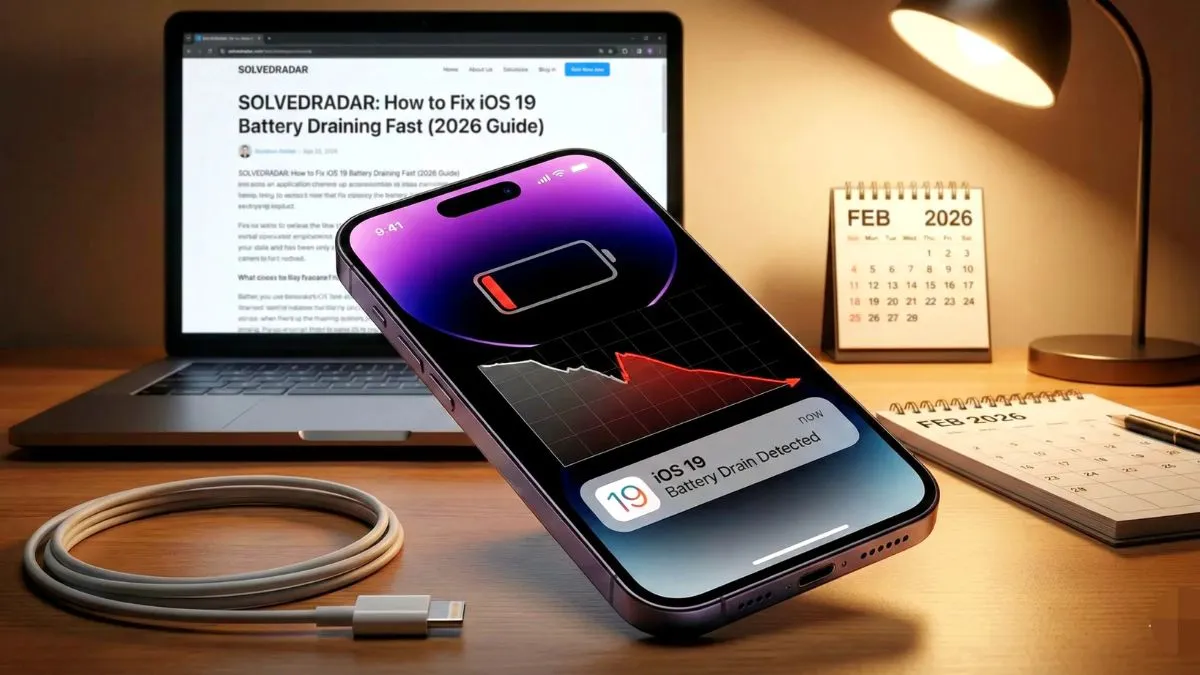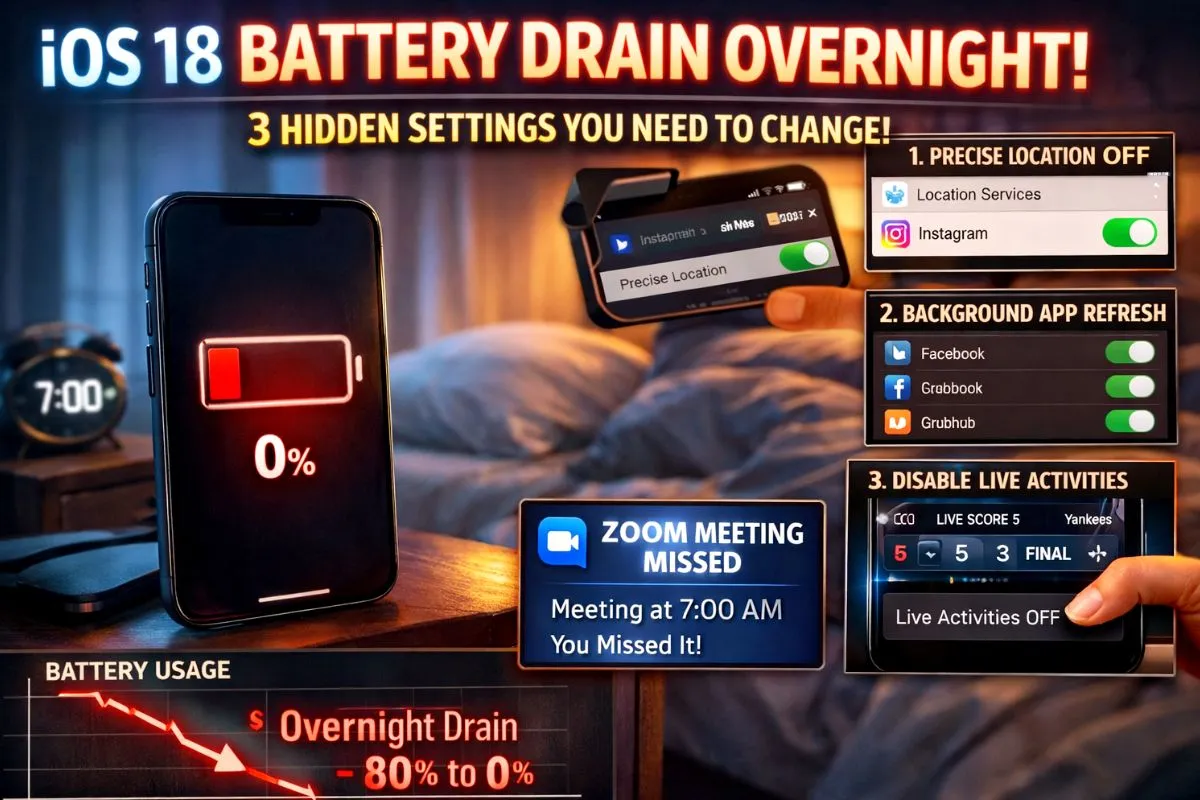
You wake up in the morning and your phone screen is completely black. You went to bed with it comfortably charged but now you are dealing with a severe ios 18 battery drain overnight problem. You might have even missed an important morning alarm or a work meeting because of this.
If you recently updated your phone and it is dying while you sleep, you are not crazy. There is a massive difference between normal battery aging and a software bug. I spent time testing every single setting on my own iPhone. Here is exactly what is happening under the hood and the three hidden settings you need to change right now to fix it.
Why Your iOS 18 Battery is Draining
Every time Apple drops a major update, people say your phone is just indexing files. That is true for the first two days. But if it has been two weeks since you updated and your phone is still dropping thirty percent overnight, indexing is definitely not the problem.
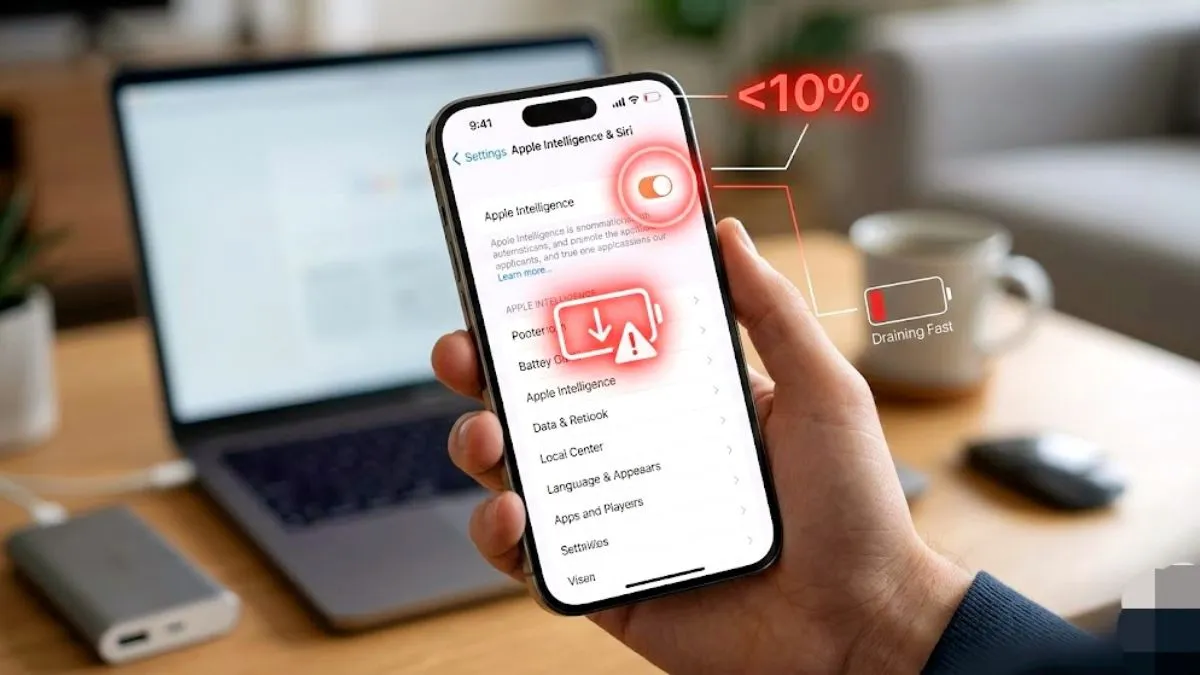
The real issue is how the new software handles background app refresh and Live Activities. Certain apps are constantly pinging cell towers and servers while your screen is off. This keeps your phone processor wide awake while you sleep.
Fix 1 Turn Off Precise Location
You do not need GPS level precision for a simple weather widget or Instagram. Heavy apps constantly checking your exact location will destroy your battery life.
- Go to your iPhone Settings.
- Tap on Privacy and Security.
- Tap on Location Services.
- Scroll down to apps like Instagram or Facebook.
- Turn off the Precise Location toggle.
Doing just this one step can save you up to ten percent of your battery every single day.
Fix 2 Clean Up Background App Refresh
Do not turn this off completely or your important work emails will not be delivered. But you definitely need to clean up the list of apps allowed to run in the background.
- Go to Settings and tap on General.
- Tap on Background App Refresh.
- Look at the massive list of apps.
- Turn off the toggle for old games, food delivery apps, and random photo editors.
Only leave this turned on for critical messaging apps like WhatsApp or your main email app.
Fix 3 Disable Unused Live Activities
The new iOS update loves Live Activities. But they are massive battery killers because they prevent your iPhone from entering deep sleep mode. If a sports app is updating live scores on your lock screen all night, it will drain your battery fast.
- Go to Settings.
- Scroll down and tap on Face ID and Passcode.
- Enter your phone PIN.
- Scroll down to the Allow Access When Locked section.
- Turn off Live Activities.
What You Should Stop Doing
Many tech videos will tell you to close all your apps by swiping up on them in the app switcher. Stop doing this right now. Apple software engineers confirmed years ago that force closing apps actually uses more battery.
When you force close an app, your phone has to cold boot the entire app from scratch the next time you open it. This takes a lot of processing power. Just let your iPhone manage its own memory in the background.
The Bottom Line
Do not guess what is killing your phone. Go to your Battery settings and check the list of apps. If an app shows one minute on screen and four hours in the background, delete it immediately. Changing these three simple location and background settings will easily stop your battery from draining overnight and get your phone back to normal.